BUILT AROUND YOUR GYM
Your machines.
Connected to their workout.
Put a tag on a machine. Members scan, watch and log.
TAG → SCAN → LOG
A STICKER FOR EACH MACHINE
Stick it on. Scan or tap.
QR ScanNFC Tap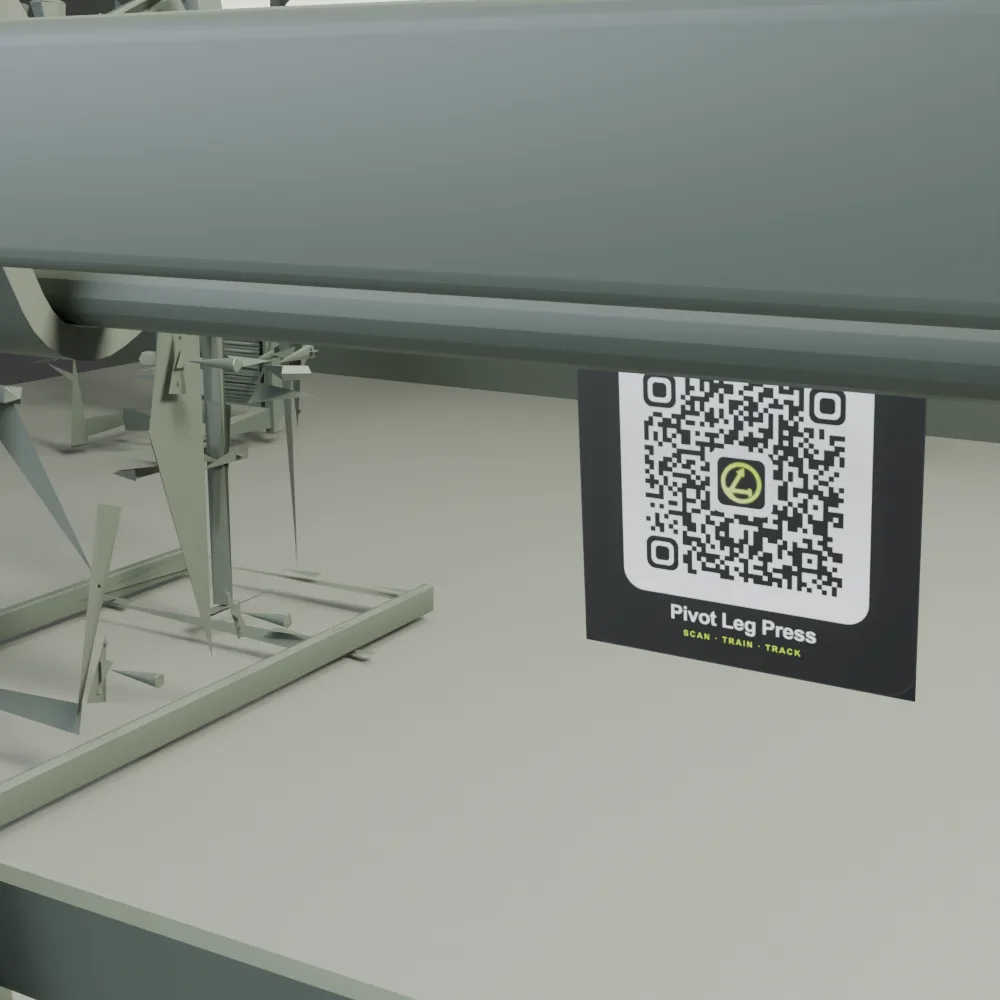
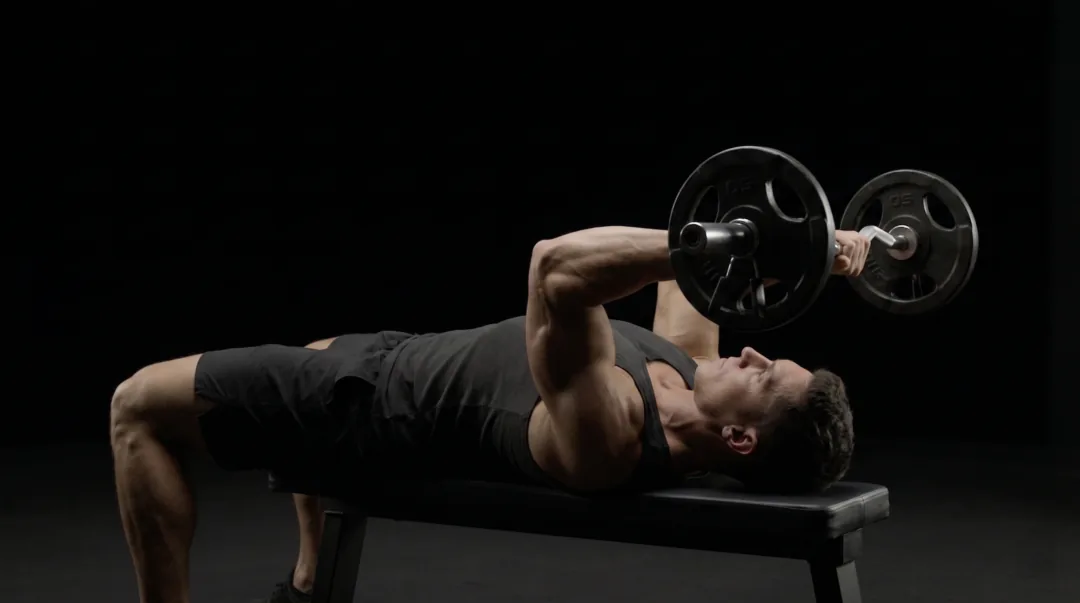
EZ-Bar Skullcrusher
Flat bench + EZ bar
Included LIFTAG guide03VIDEO GUIDE
The setup,
on the machine.
Scan a tag. The movement plays in the workout, then you log the set.
Every gym. One place.
05 / 08 GYMS · ONE NETWORK
Find your next place to train. Eight gyms across Slovakia.
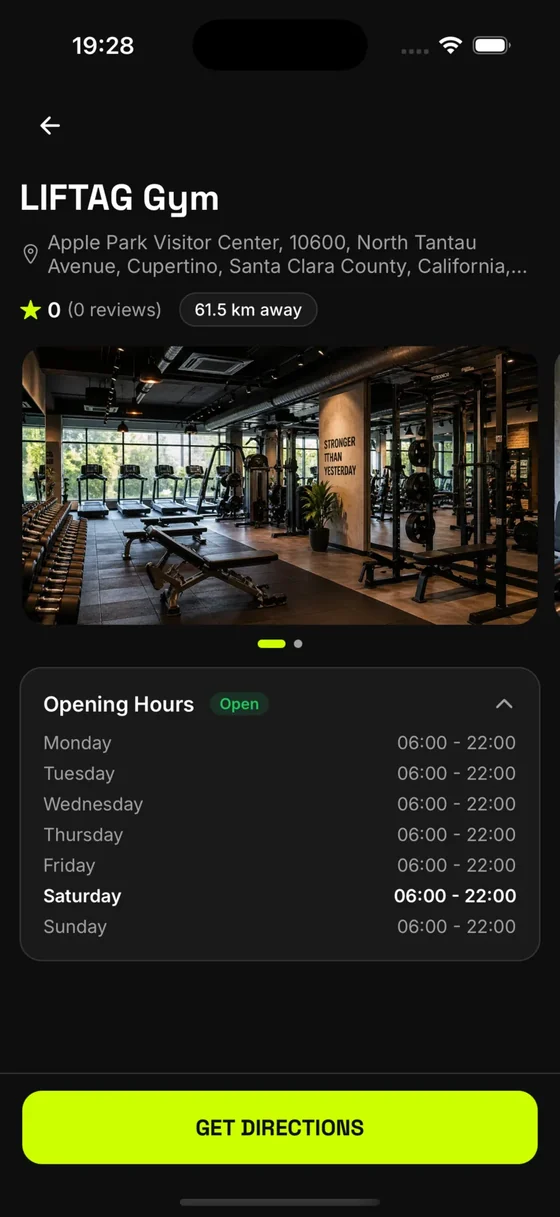
YOUR PLACE ON THE MAP
Your gym
Bratislava, Slovakia
No reviews yet. Yours could be the first.
START WITH YOUR GYM
Put your gym
in their workout.
Create NFC and QR codes in the dashboard. Your equipment, connected.
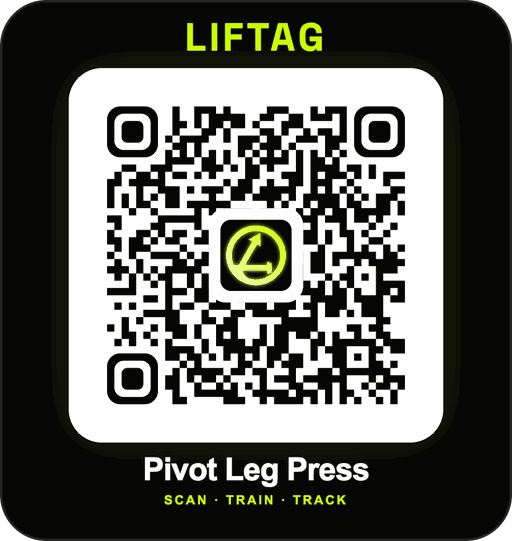 QR + NFC
READY FOR YOUR FLOOR
What’s free?
The dashboard to create and manage NFC tags and QR codes, your gym listing, equipment setup, and the full member app. Physical NFC tags and QR stickers are not included: you buy those yourself. Advanced business tools are optional.
See what’s included ↗Become a partner gym.
Are NFC tags and QR codes free?
Creating and managing NFC tags and QR codes is free. Gym owners get the dashboard to set them up, and members get the full LIFTAG app. LIFTAG does not buy or ship the physical NFC tags or QR stickers. Gyms purchase those themselves.
Will it work with our equipment?
LIFTAG tags connect physical equipment to its exercise and setup guidance. Tell us what is on your floor when you partner with us, and we will help arrange the right setup.
Can we use our own trainers’ videos?
Yes. Connect machine-specific videos made by your trainers, on your equipment, so members get guidance that matches your gym.
Do members need the app?
Members use the LIFTAG app on iOS or Android for guidance, set logging, rest timers, and progress. It also works as a workout tracker at gyms without tags.
Can we manage more than one location?
Yes. Organize locations, equipment, and staff access from the gym dashboard, and reuse your equipment catalog across locations.